 Genesis Launcher
Control Center and docks
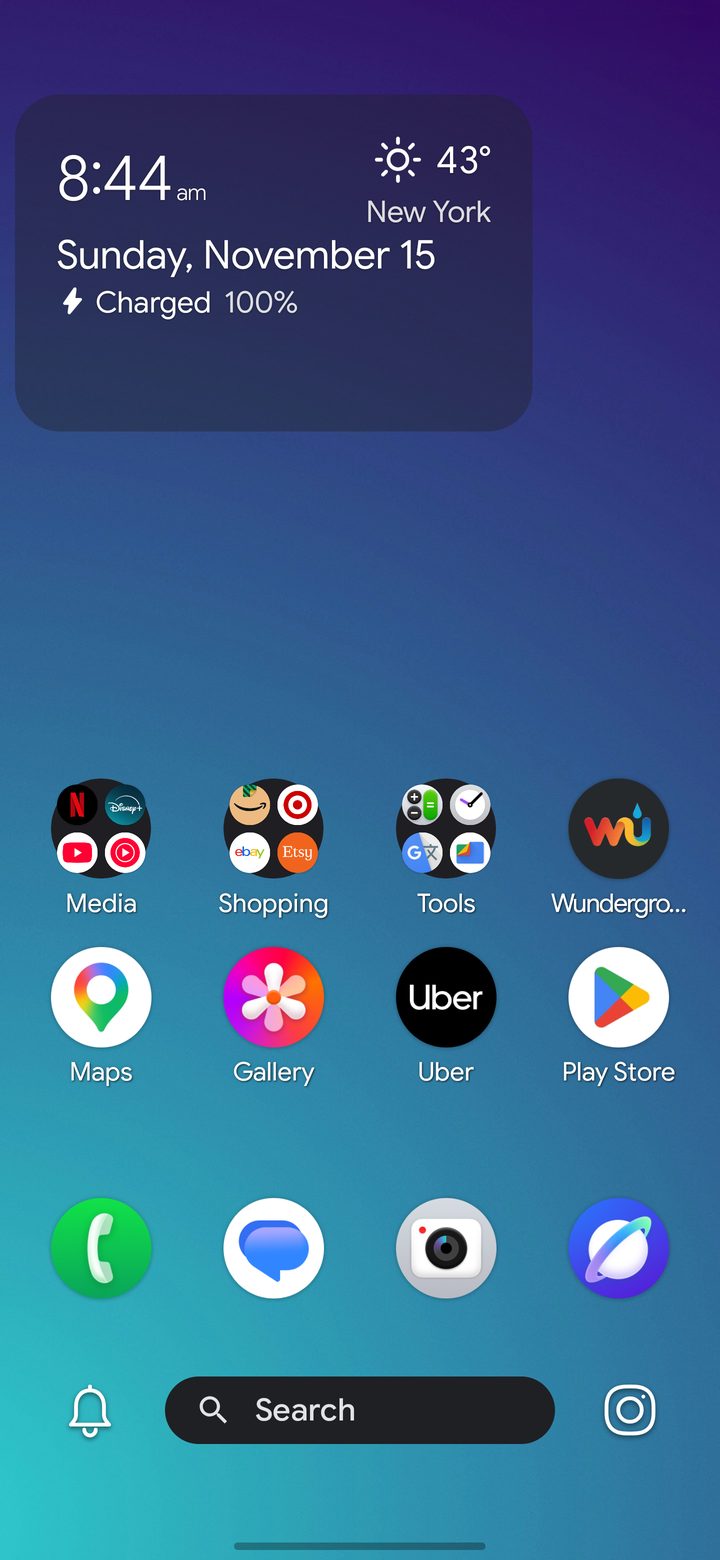
The Control Center is the bar under your dock: a search bar in the middle, with a shortcut at each side. They start as your phone's camera and the Silencer.
Change either side to any app in Settings › Control Center, and choose what the search bar opens. Prefer a classic search bar? You can use one instead, or hide the bar.
Dock on either side
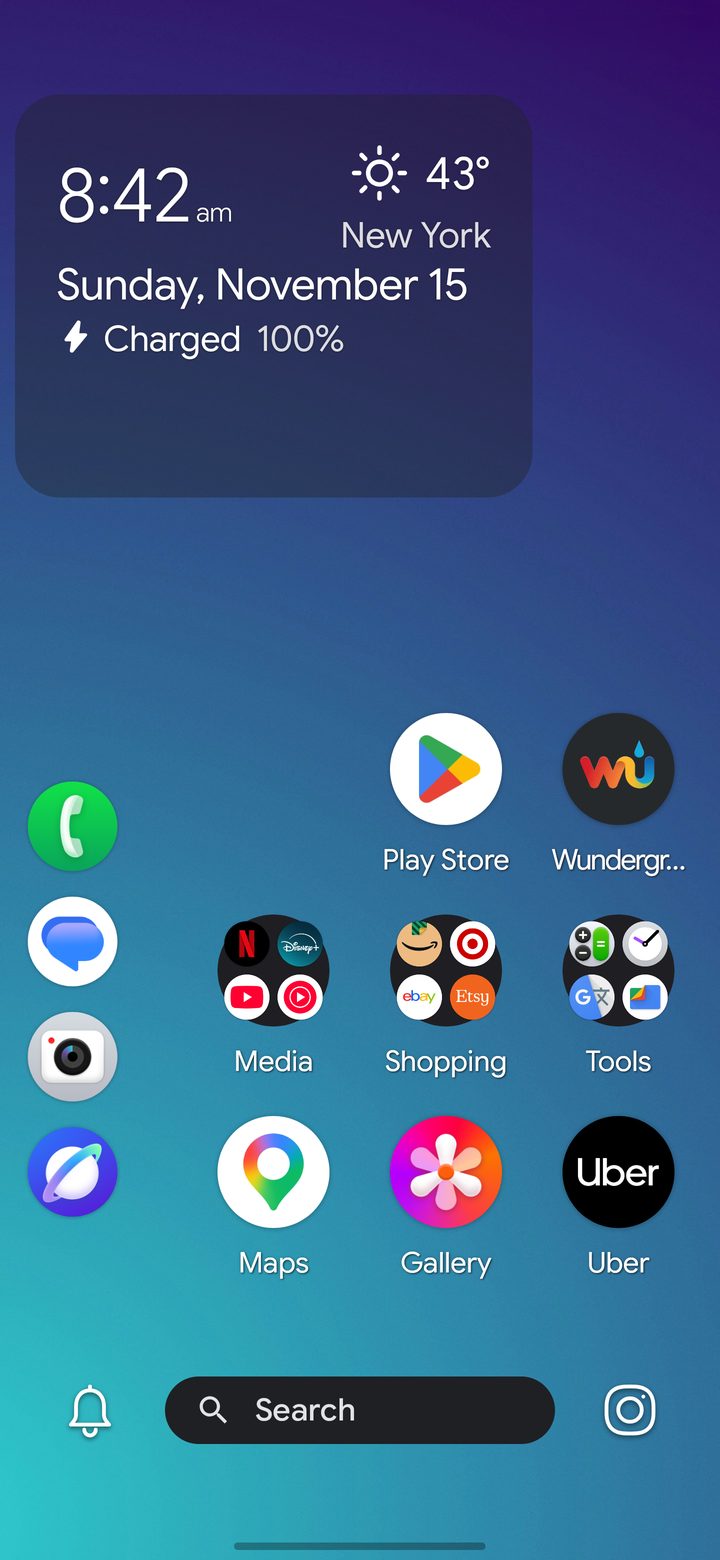
In Settings › Dock choose the Horizontal Dock along the bottom, or a Right-Side or Left-Side Vertical Dock for one-handed reach. When a side dock needs the edge column, apps move to make room. Switch back to the bottom dock and they return to where they were.